Protect Password, Registered Contact, and Device
If you see an unknown Login or Transaction, stop new activities, change your Password from a trusted Device, close unknown Sessions, and review recent activities. This Page does not explain Login Recovery or Payment Status again; it focuses on how to regain Account Control after seeing activities that are not yours.
Keep a long Password that is not used on other Sites. Check if the Registered Mobile/Email is under your control and if Device Lock, System Update, and Browser Update are enabled. Avoid saving Passwords on Shared Devices.
Check if there are Session, Login Alerts, and additional Verification
If you see options like Active Session, Devices, Login Alert, Recent Activity, or Two-step Verification in Account Settings, note their current names and Locations. This Site does not claim that these are definitely present in 87BD. If options are available, read the Activation, Recovery, and Removal Conditions before using them.
If the Device, Browser, Location, or Time in the Session List is unknown, first consider if it is your Network Change, but if in doubt, close the Session. Understand why the Alert was triggered before turning it off.
How to Identify Suspicious Activity
- OTP or Password Reset Messages that you did not initiate;
- Changes to Registered Mobile/Email;
- Unknown Device, Session, or Login Time;
- Deposits, Withdrawals, or Game Activities that are not yours;
- Password not working and seeing unknown Recovery Contacts;
- Unknown App Permissions or Device Administration being enabled.
A signal does not necessarily mean a compromise, but it is a sufficient reason to stop new activity and verify. If there is a Login Error Login Page, and if there are activities that are not yours, use this Incident Flow.
Correct Order of Incident Response
- Stop new Actions.
Temporarily halt Login, Profile Changes, Games, and Payments.
- Use Trusted Devices and Networks.
Do not recover from unknown Apps or Public Wi-Fi.
- Change your Password.
Use a new Password that has not been used elsewhere.
- Close Sessions.
Use All Sessions or Unknown Device options if available.
- Match Registered Contacts.
Check if Mobile/Email has changed.
- Review Recent Activities.
Separate Transactions or Profile Changes that are not yours.
- Keep a Record.
Write down Time, Alert Text, and Masked Reference; do not include Secret Data.
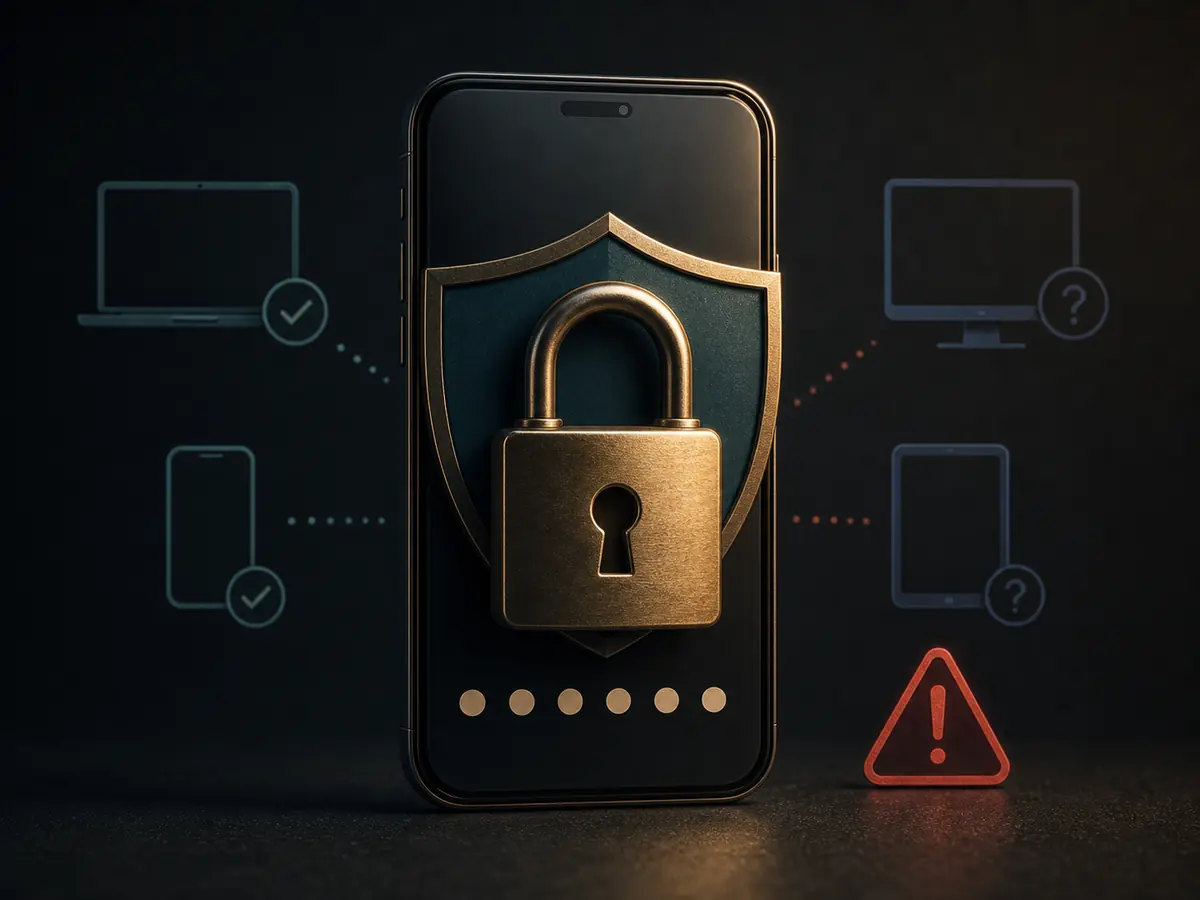
How to Know if Account Control has been Regained
Just being able to log in again is not enough. Password changed, Unknown Session closed, Registered Contact verified, Recent Activity understood, and Recovery Option under your control—when all these are met, Recovery can be considered complete.
If the same Password is used on other Sites, provide a different Password there as well. Remove unknown Apps, Accessibility, or Administration Permissions from the Device and perform a System Update.
How to Organize Incident Information
Date, Time, Alert/Error Text, Device Type, Masked Account Identity, Actions not your own, and what steps you have taken—write down these six pieces of information. Do not keep Full Password, OTP, PIN, Recovery Code, Document, QR, or Full Transaction Number.
The issue of Transaction Status and Unauthorized Transaction are separate. The former Payment Pagegoes to this Incident Response.
Three Suspicious Activity situations
OTP not requested by yourself
Do not give the Code to anyone. Change the Password and check Registered Contact and Active Session. Take your saved Access Path without using the Message's Link.
Contact has changed
Check Recovery Option from Trusted Device, close Unknown Session and write Change Time. Check if there are any other Activities.
Transaction that is not your own
Close new Payment and Game Activity. Restore Password/Session Control keeping Status, Time, and Masked Reference.
Five questions about Account Security
What is the first action when seeing an unknown Login?
Change the Password from Trusted Device by closing new Action.
Should I close all Sessions?
If there is an option, close Unknown or All Sessions, then log in again on your Device.
If you do not want to request OTP yourself?
Do not give the Code; check Password and Registered Contact.
Is the unknown Transaction a Payment Error?
No. This is a Security Incident; close new Payment and keep Activity Record.
When is Recovery complete?
When Password, Session, Contact, Activity, and Recovery Option are all under your control.
Change the password from a secure device, check the session, and match the record of unknown transactions.
Check the payment record