Where to read information about the current Payment Method
Before deciding on 87BD Payment or Withdrawal, read the Method, Limit, Fee, Ownership Rule, and Transaction Status on the current Account Page. Even if bKash, Nagad, or Rocket names appear in public results, it does not prove current Support for each Account.
bKash, Nagad, and Rocket are well-known Mobile Financial Services in Bangladesh; Visa and Mastercard are well-known Card Networks. To understand whether a Method Brand is truly active, after Login, you need the Current Payment Page, Method name, Account Owner, Limit, Fee, Confirmation, and Date. Do not use Search Snippet or Number from another Domain.
If the Method is not visible, check for Notices regarding Region, Account Eligibility, Maintenance, or Verification. This Site does not fill in any Method, Limit, Fee, or Processing Time by assumption.
Six checks before and after making a Request
- Match Account and Currency.
Check if the Account where the Amount will be added is your known Account.
- Check if the Method is on the Current Page.
Do not copy Numbers or Instructions from another Page.
- Read Limit, Fee, and Ownership.
Understand if you need a Method in your name and what the Final Amount will be.
- Read the Destination again.
Match the Masked part of the Number/Account before Confirmation.
- Make the Request once.
If Loading or Pending, do not Repeat immediately.
- Keep records on both sides.
Write down Time, Amount, Exact Status, and the last part of Reference.
Match Destination, Ownership, and Verification first
Before Withdrawal, read Available Balance, Destination Method, Account Name, Limit, Fee, and Verification Notice. If Account Name and Destination Owner do not match, stop before making the Request. Understand what Purpose, Format, and Privacy Rule apply if KYC or Document is requested.
After making the Request, write down any Exact Status showing as Submitted, Pending, or Processing. Making the same Withdrawal again may result in Duplicate or Review Delay. If there is a time given in the Current Notice, check if it applies to your Request's Date and Method; this Site does not guarantee any specific Processing Time.
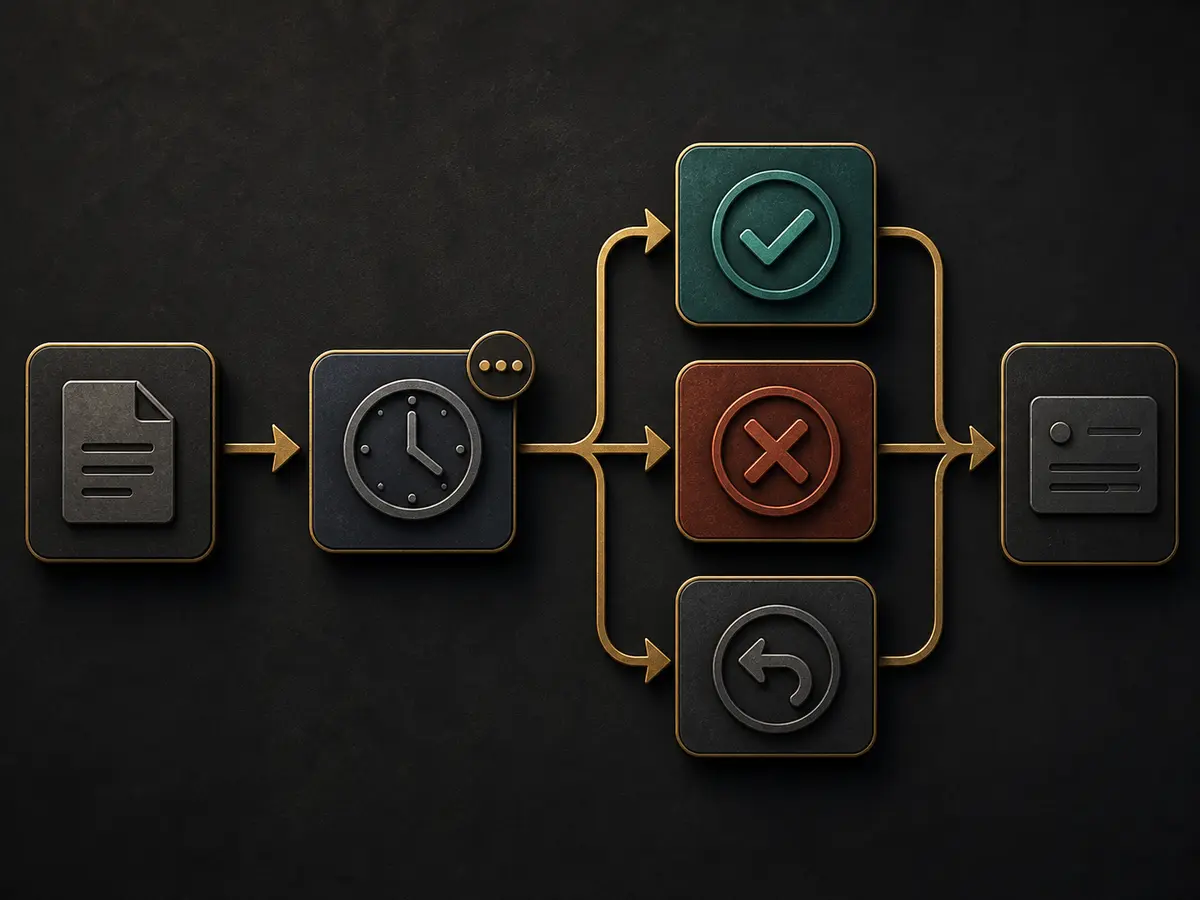
Separate Pending, Completed, Failed, and Reversed
| Status | Its meaning | Next steps |
|---|---|---|
| Submitted | The first sign of Request acceptance | Write down Time and Reference |
| Pending/Processing | Not finished yet | Read the Notice; do not make Duplicate Requests |
| Completed | The System shows the work is finished | Match records and Balance on both sides |
| Failed | Request not completed | Check Error, Limit, Name, and Method |
| Reversed | Amount is supposed to go back to the Source | Check which Account it has returned to |
| Cancelled | Request cancelled | Read the reason and Rule |
Compare records on both sides
Just because Completed is written does not mean that the result you expected will be seen simultaneously across all Systems—this is not the case. Keep Payment Service Record, Account Transaction History, Destination, Time Zone, Amount, and the last part of Reference side by side. Do not make a second Payment without understanding where the first Request ended.
Even if Withdrawal Completed, if Amount does not appear in Destination, check Owner Name, Method, Reversal/Return Entry, and Processing Notice. If Status changes to Reversed, verify if Amount has returned to Source Account. If keeping a Screenshot of Exact Status, cover Sensitive parts.
Do not repeat Request without knowing the reason
If Failed, check Error Text, Limit, Fee, Ownership, Verification, and Method Availability. If Amount changes and attempts are made repeatedly, it becomes difficult to understand the main reason. If Reversed, check which Source it has returned to and if there is a new Reference in Record.
Cancelled Status may result from User Action, System Rule, or Review. If there is no reason on the Page, do not write your assumption as the Official Reason. Frame questions with Date, Exact Status, and Rule Notice.
Privacy-safe Record for Transaction questions
Method Name, Amount, Time, Exact Status, Error Text, and the last few Characters of Reference are usually sufficient to indicate the problem. Do not send Full Mobile, Email, PIN, OTP, QR, Card, Identity Document, Balance, or Full Transaction Number to any information site. Full privacy rules Privacy Policyis present in –.
If you see a Transaction that is not yours, instead of Status Troubleshooting Initial response to an unknown Transaction Follow.
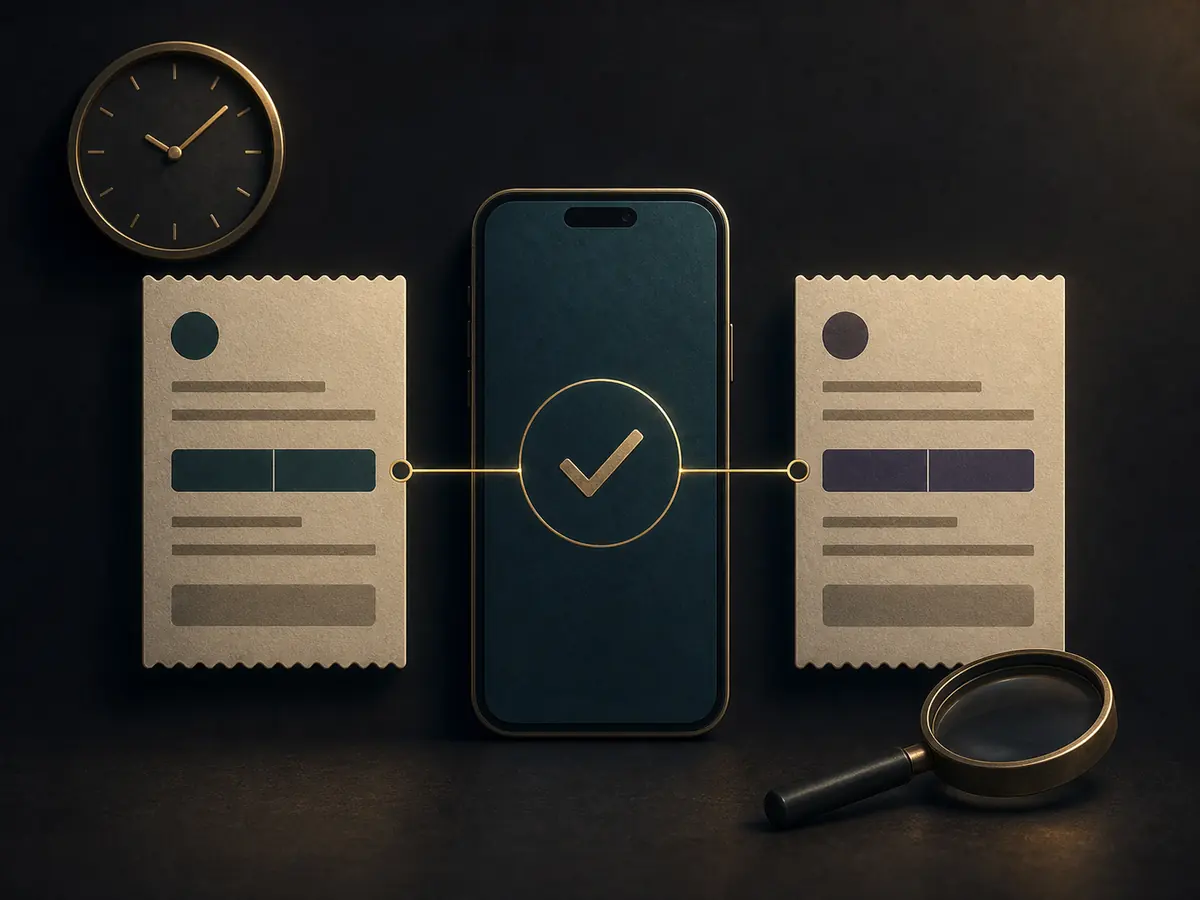
Three Transaction scenarios
Payment Service successful, Account Pending
Match Time, Amount, Destination, and Reference of the two Systems. Do not make the second Payment until Account is Pending. Read if there is Review or Processing State in Current Notice.
Withdrawal Failed, but no reason
Check Limit, Fee, Owner Name, Verification, and Method Availability. If there is no Error, write Date and Exact Status; do not make your assumption the Official Reason.
Shows Reversed, Source Balance has not changed
Compare Reversal Reference, Source Account, and the History of both sides. Completed/Returned Date may differ; understand where the previous one ended before making a new Request.
Six questions about Payment and Withdrawal
Is bKash, Nagad, or Rocket definitely Supported?
Support is not confirmed until Method, Limit, and Fee are seen on the Current Account Page.
Does Pending mean Failed?
No. Pending or Processing is not finished yet; read Current Notice without making a Duplicate Request.
What should I do if Completed but Balance does not increase?
Instead of making the same Payment again, match Time, Amount, Status, and Reference of both sides.
What should I do if Name does not match in Withdrawal?
Stop the Request and read Ownership Rule and Correction Path. Do not use someone else's Method.
Where can I find out about Fee and Limit?
The Amount, Fee, and Limit shown on the Current Account Page at the time of Request are relevant; not the Search Result.
Where to go if I see an unknown Transaction?
Account Security Incident Response Follow and stop new tasks.
Save time, visible status, and partial reference without repeating the same transaction.
Prepare assistance information